Selling or buying a connected car: data and accounts to check
A guide to checking profiles, phones, connected services and digital ownership when a modern car changes hands, without assuming that a reset deletes everything.
Key points
When selling or buying a connected car, handing over the keys or deleting destinations from the screen is not enough. You need to separate data that may be in the vehicle, data exchanged with the phone and data linked to a manufacturer account. The applicable procedure depends on the make and model: check the manual, app and connected-service terms before completing the transaction.
Before signing or handing it over: three checks and one rule
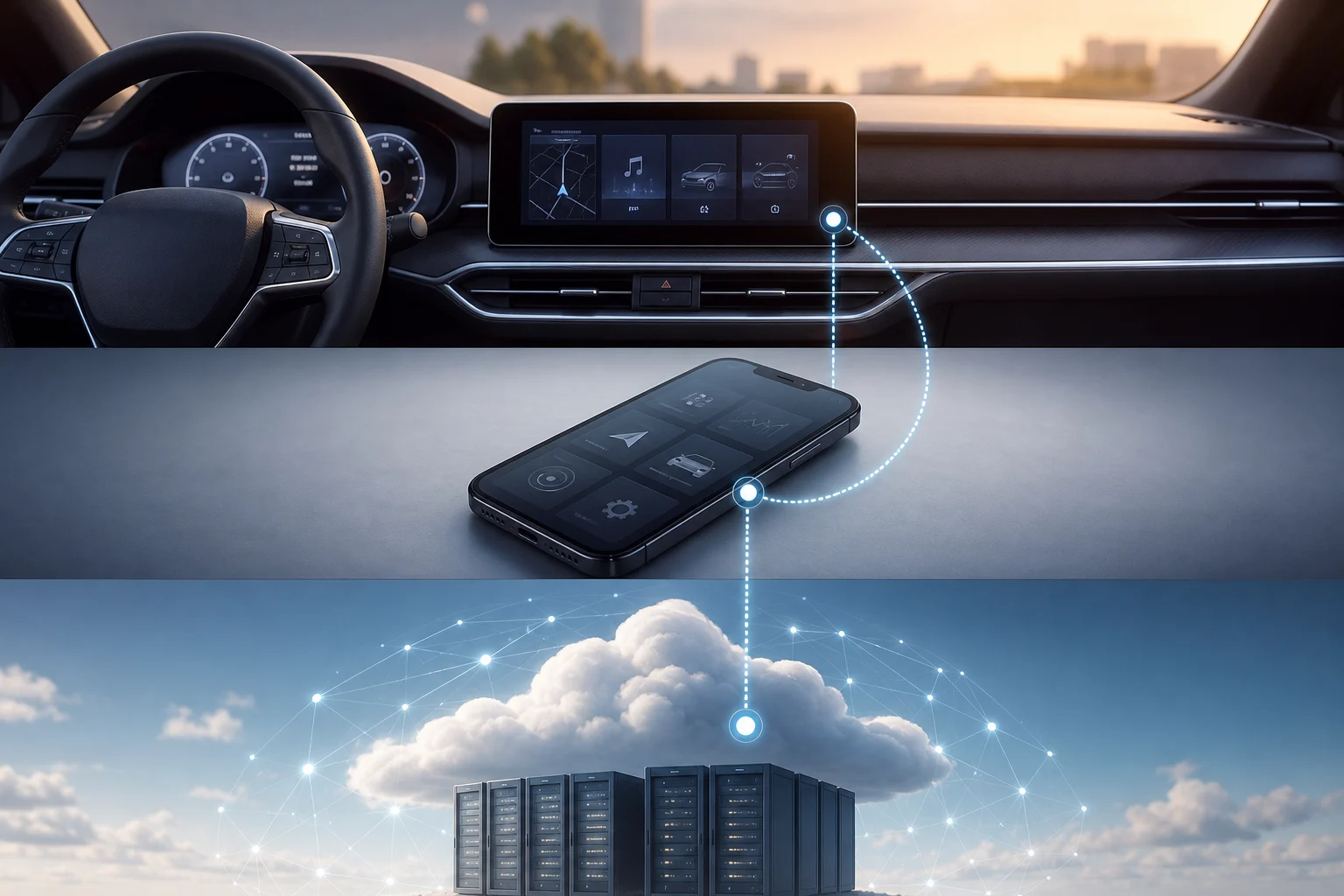
A connected car combines interconnected electronic control units with connectivity services capable of sharing information with external devices and entities. That is why a change of ownership has a physical dimension — the car and its keys — and a digital one: profiles, the linked phone, app and service account may not follow the same path.
The practical rule is simple: do not assume that all data is on the central screen or that a single button removes it. The Spanish Data Protection Agency (AEPD) distinguishes between data processed inside the vehicle, data exchanged with smartphones and data sent to external entities. Before selling or accepting the car, identify which elements exist and consult the official documentation for that model.
As a practical recommendation, the seller can follow the process specified by the make before handover and keep reasonable evidence of the steps taken. The buyer can confirm what is required to activate the car in their own account, without relying on the previous owner’s session or phone remaining linked.
Section references: Vehículos Conectados ↗
- Find the owner’s manual for the specific model year and version, as well as the official app help.
- Check whether a manufacturer account is linked to the vehicle and whether an app is active.
- Clarify in writing which connected services, subscriptions or features are transferred, cancelled or require new activation.
- Do not complete the digital side of the transaction until you have followed the sequence specified for the model.
What data may be linked to the car and where to look for it
Privacy is not resolved by checking the navigation system alone. The AEPD cites, among other examples, geolocation data, parking times and driving-style data: information that may be linked to a person’s behaviour. Its specific presence, retention and management vary by vehicle and service provider.
As a documented reference, the Spanish Tesla Model S manual states that its factory reset deletes Bluetooth devices, profiles and navigation history. It is a useful example of what to check — pairings, profiles and history — but not a universal list for all makes, generations or infotainment systems.
It is advisable to make an inventory in three layers. The first is the car’s system: profiles and navigation information, where covered by the manual. The second is the phone: Bluetooth connections and app use. The third is the external account: connected services and digital ownership. This distinction prevents local deletion from being confused with unlinking an account.
| Item to check | Where it may reside | Who should check it | Source that takes precedence |
|---|---|---|---|
| Profiles, Bluetooth and navigation history | Vehicle infotainment system | Seller before handover; buyer upon receipt | Model manual |
| Linked app | Phone and the make’s service | Seller to disconnect; buyer to activate | The make’s app and official help |
| Digital ownership | Manufacturer or provider account | Both parties, with particular attention from the buyer | Official transfer or ownership-claim process |
| Services and subscriptions | Service account and contract | Both parties before agreeing the price | Contract, terms and official support |
| Data processed by external providers | Systems outside the vehicle | Data subject | Privacy policy and data controller |
Section references: Vehículos Conectados ↗ · Gestión de la titularidad del vehículo — Manual del propietario Model S ↗
- Screen and profiles: review configured users and any history that the manual says can be deleted.
- Phones: check linked Bluetooth devices and disconnect the app using the official procedure.
- Account and services: verify who is listed as the digital owner, which features are active and the cancellation or transfer process.
- Location and usage data: check the provider’s policy and options if you need to know how it is processed outside the vehicle.
If you are selling: an exit checklist that does not depend on one make
Start by gathering the connectivity documentation: the manual, contract or service terms, access credentials that you need to manage and any app-related evidence. Do not hand over personal passwords or assume that the new owner can use your account. The appropriate reference is the ownership-change flow published by the make for the specific vehicle.
Then follow the official order. For example, Volvo Cars Spain states in its general ownership-change guide that you should disconnect the Volvo Cars app and carry out a factory reset on the central display. Tesla also distinguishes a factory reset from removing or transferring ownership: for the Model S, it says to perform the reset first and warns that, once the vehicle has been removed from the account, that reset can no longer be performed.
The practical consequence matters: do not improvise the sequence or apply instructions from one model to another. Record the date, the version of the guide consulted and the outcome of each operation. If the make requires an additional step to release ownership, complete it before promising the buyer that the car will be available in their app.
Section references: Cambio de propietario con los servicios conectados ↗ · Gestión de la titularidad del vehículo — Manual del propietario Model S ↗
- Identify the main account and connected services linked to the car.
- Disconnect the app in accordance with the official documentation for the model.
- Remove profiles, devices and local data only through the procedure specified by the manufacturer.
- Perform a factory reset if the manual prescribes it for a sale, and in the stated order.
- Complete the relevant cancellation, removal or transfer of digital ownership.
- Keep screenshots or confirmation emails and give the buyer only the evidence needed for their activation.
If you are buying used: questions that prevent blocked ownership
The buyer needs to verify two separate matters: that the vehicle has been cleared following the make’s procedure and that it can be linked to their own account. Volvo Cars Spain states that someone buying a used vehicle must connect the Volvo Cars app to the car; the transferable lesson is to confirm the activation process applicable to the make and model being purchased.
Ask the seller or dealer to specify whether there is an active account, whether the factory reset has been completed and whether digital ownership has already been removed or transferred. Also request any available evidence. At Tesla, for example, claiming ownership of a car purchased from a third party requires the VIN, documents and owner information. This does not make that requirement universal, but it does show that a digital transaction may require documentation in addition to the keys.
Do not automatically include the value of connected services in the price. Tesla Spain expressly warns that Supercharging credits, upgrades, subscriptions and other features may not be transferable. The valid answer for the specific car is in its terms and in the manufacturer’s confirmation, not in a seller’s verbal promise.
Section references: Cambio de propietario con los servicios conectados ↗ · Cómo añadir o eliminar vehículos en la aplicación de Tesla ↗
- What account or app is linked to the vehicle, and has it already been disconnected?
- Has the reset specified in the manual been performed? Ask for confirmation of the step completed, rather than simply being told that “the data has been deleted”.
- Is there a process to transfer, remove or claim ownership?
- What documents, including the VIN where applicable, does the make require to activate the buyer’s account?
- Which subscriptions, credits, upgrades or features are listed as transferable, non-transferable or pending verification?
- If buying from a dealer, what channel do they provide to resolve a digital activation issue after handover?
Why resetting the screen is not always enough
Resetting the infotainment system may be necessary, but it does not necessarily erase the relationship between the vehicle and an external account. Tesla’s own documentation for the Model S treats factory reset and ownership removal or transfer as separate operations. Tesla also distinguishes transferring ownership from adding a driver, and states that a vehicle can have only one owner and one Tesla Account at a time.
This issue can arise when one party sees that the screen looks empty and considers the process complete, while the other later finds that they cannot complete activation. In that case, do not blindly repeat a reset: review the manual, app and the manufacturer’s official support to identify the ownership status.
The opposite extreme must also be avoided: not every connected feature should be transferred, and not all information can be managed from the car. Where there are doubts about contracted services, the contract documentation and service provider are the decisive sources. Where there are doubts about personal data, the point of contact is the data controller, which may be different from the seller or workshop.
Section references: Gestión de la titularidad del vehículo — Manual del propietario Model S ↗ · Cómo añadir o eliminar vehículos en la aplicación de Tesla ↗
- A clean screen does not necessarily mean the account has been unlinked.
- Adding a driver does not necessarily change digital ownership.
- A connected feature may have its own transfer rules.
- Do not delete or remove the main account without first checking the order set out in the official documentation.
Privacy in Spain: when to contact the manufacturer or the AEPD
Buying or selling a car does not remove data-protection rights. In Spain, an individual may exercise the rights of access, rectification, objection, erasure, restriction, portability and the right not to be subject to individualised decisions before the data controller. The right of access makes it possible to find out whether an entity processes personal data and to request information on purposes, categories of data, recipients and the retention period or its criteria.
Use this route when the issue concerns data processing: for example, if you need to clarify what data a connected-services provider retains or wish to exercise a right in relation to it. Identify the controller named in the privacy policy or relevant service and submit the request through its privacy channel or to its data protection officer, if it has one.
Do not confuse a data-protection issue with other vehicle-related matters. If the issue concerns the processing of personal data, the AEPD states that you must first contact the data controller or its data protection officer before filing a complaint with the Agency.
Section references: Ejerce tus derechos ↗ · Derecho de acceso ↗ · ¿Puedo reclamar directamente a la AEPD si se está incumpliendo la normativa en materia de protección de datos? ↗
- To find out what data is processed or how long it is retained, submit an access request to the controller.
- Keep a copy of the request and the response received.
- Distinguish a privacy request from other vehicle-related issues.
- If the controller does not adequately address a data matter, consider the complaint channels explained by the AEPD.
Is factory-resetting the screen enough before selling a connected car?
It should not be assumed to be enough. In the Tesla Model S, for example, factory reset and removal or transfer of ownership are separate steps. Always consult the manual and official process for the make and model.
What should I ask for when buying a used connected car?
Confirm whether the app has been disconnected, whether the specified reset has been carried out, the status of digital ownership and what documentation the make requires to activate the vehicle in your account. Ask for evidence of the steps completed.
Do subscriptions and connected features automatically pass to the buyer?
Not necessarily. Tesla warns that upgrades, subscriptions and other features may not be transferable. Check the service terms and request confirmation for the specific vehicle before factoring those features into the price.
Who should I contact if I want to know what data the connected service retains?
First contact the data controller identified by the service provider or its data protection officer. You can exercise, among other rights, the right of access to find out whether it processes your data, for what purposes, with which recipients and for how long it is retained.